
Products
Solutions
Technical Information
Motor Sizing
Downloads
Contact Us
Industrial Robots > Technology > SCARA Robots Motor Assembly Demo Case Study
Case Study - SCARA Robots Motor Assembly Demo
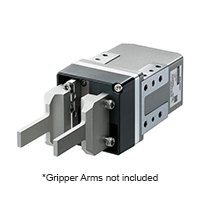
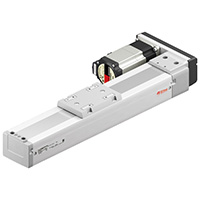
For this case study, our application engineering group combined 2 OVR Series SCARA robots and MRCU robot controllers with EZS & KR Linear Slides and EH Series Electric Grippers for end effectors to demonstrate picking and placing coordination in a tight workspace assembling a stepper motor.
- Intro
- Area Outputs
- Low Profile SCARA
- Full 360° SCARA
- Z-Axis
- Tool Offset
- Electric Gripper
- MRC Software
- Support
MRC Studio Software
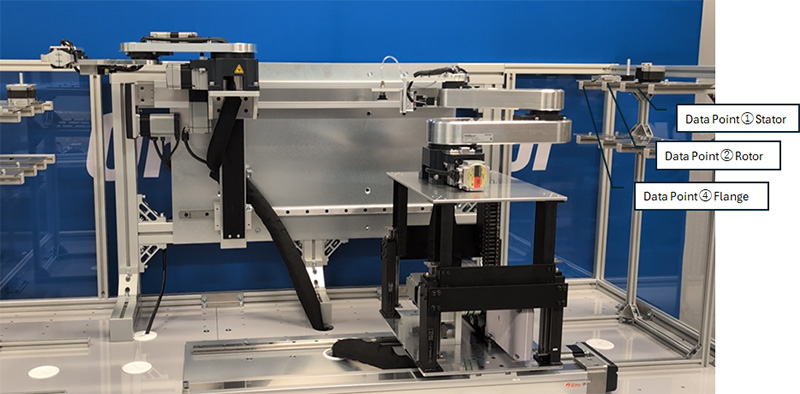
Up to 16 Data Points
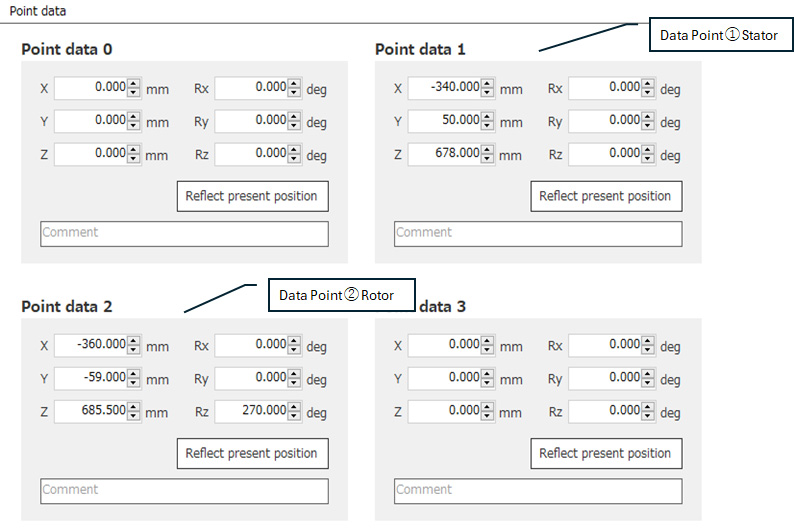
This allow users to predefine up to 16 position points (Point Data 0 to 15), with coordinates such as X, Y, Z, Rx, Ry, and Rz, and then call those points directly from motion commands instead of manually entering coordinates every time.
In this demo, data points are set for the (1) Stator, (2) Rotor, (4) Flange.
MRC Studio Command Setting
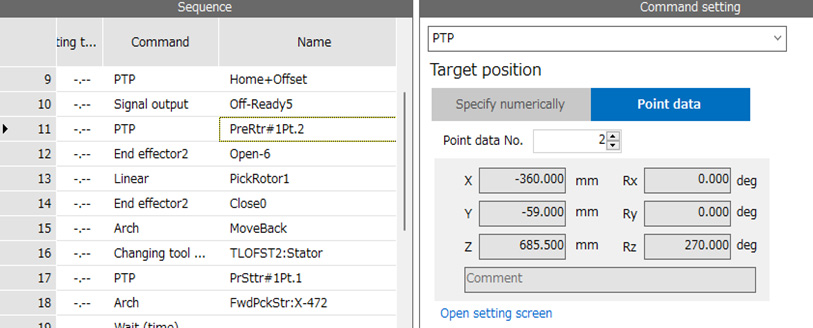
MRC Studio Parameter Setting
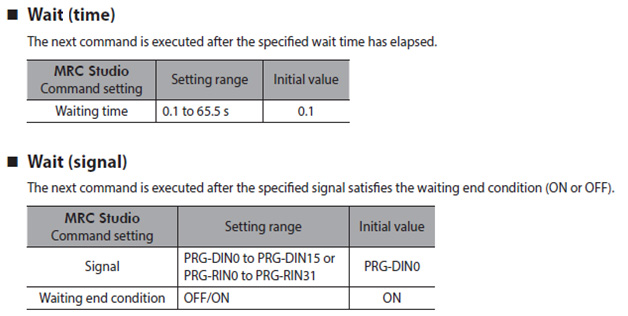
WAIT Commands
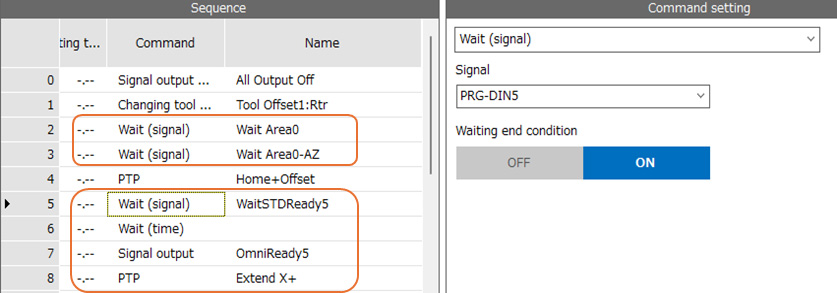
The MRC controller has two types of WAIT Commands; WAIT time and WAIT signal.
Wait (time): The next command is executed after the specified wait time has elapsed.
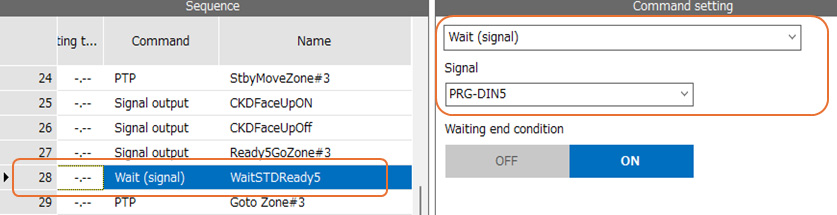
Wait (signal): The next command is executed after the specified signal satisfies the waiting end condition (ON or OFF).
In this demonstration, the WAIT (time) is used before and after the pneumatic suction to provide a buffer allow the suction cup securely engaged with the stator.
The WAIT (signal) is used for a couple different purpose, such as waiting the other SCARA to move out from the AREAs and WAIT for the other SCARA to complete sudden command to timing synchronized motions.
MRC Studio Command Setting
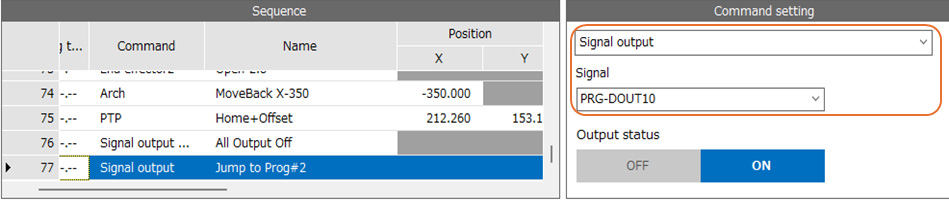
PRG Input/Output
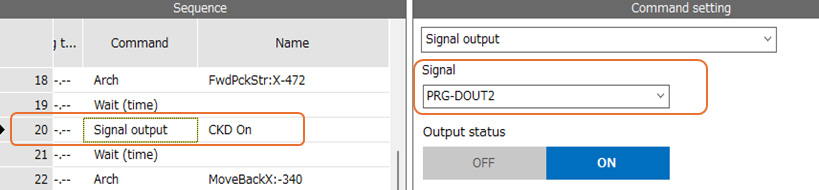
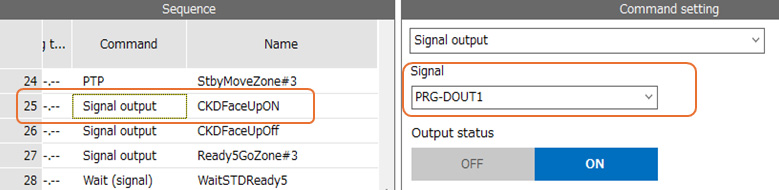
MRC01 has 8 Programmable Direct Inputs and 8 Programmable Direct Outputs.
Direct outputs can be used to control external driver/controller of additional axes and device. In this demonstration, the CKD pneumatic valve and AZM24AK-CSF8-50 are controlled by using the Programmable Direct outputs.
MRC Studio Command Setting
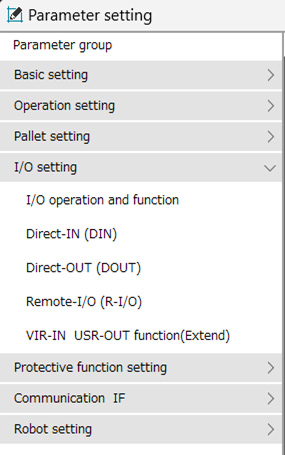
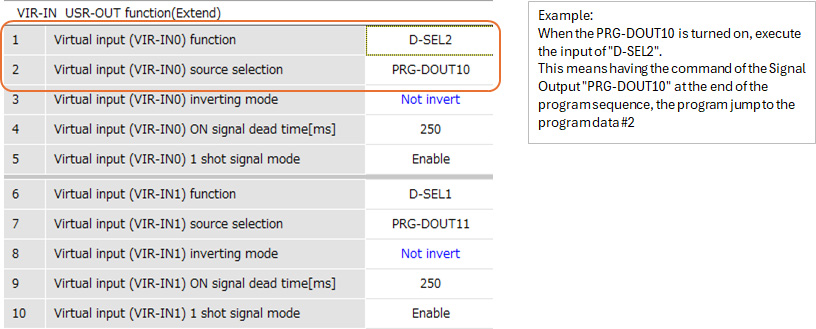
Virtual Inputs
MRC01 has four Virtual inputs.
Virtual Inputs (VIR-IN0 to VIR-IN3) are internal software-based input signals within the MRC01 controller. Unlike physical I/O points, they do not require any external wiring or input terminals. They can be configured and used internally to trigger robot functions, logic, or control sequences.
MRC Studio Command Setting
MRC Studio Parameter Setting
Learn More About The Products Used
OVR Series SCARA Robots
|
MRCU Integrated Robot Controller & Drivers
|
MRC Studio Robot Software
|
EH Series Gripper
|
EZS Series Linear Slides
|
AZ Series Step-Servo Motors
|
THK Linear Slides
|
|




We're Here to Help

On Demand Webinar

Industrial Robots


